Universal MFG Unlocker 1.6.1 为所有 RTX GPU 带来实时 DLSS 预设切换
Universal MFG Unlocker 1.6.1 Brings Real-Time DLSS Preset Switching To All RTX GPUs
社区工具 Universal MFG Unlocker 1.6.1 发布,为全系 RTX 20/30/40/50 GPU 带来游戏内实时 DLSS 预设切换功能。该工具支持在 DirectX 12 游戏中不重启直接切换超分辨率、光线重建与帧生成预设,作者用 RTX 4060 Laptop GPU 实测确认有效。1.6.1 还扩展 RTX 50 系列控制并修复旧卡兼容问题。
Universal MFG Unlocker, the increasingly popular community-developed utility from modder dashdogy, has received another substantial update. The newly released version 1.6.1 introduces real-time DLSS preset switching across NVIDIA's entire GeForce RTX lineup, spanning the RTX 20, 30, 40, and 50 Series, alongside further compatibility improvements.
As we previously reported, the modding community has successfully brought NVIDIA's officially RTX 50-exclusive DLSS Multi Frame Generation technology to older RTX 40, 30, and even 20 Series GPUs through several independent projects. Dashdogy's original RTX40MFG-Unlock was among the earliest and most advanced implementations for Ada Lovelace, while separate projects from sdli1995 and Coldwood1026 targeted Ampere and Turing GPUs, respectively.
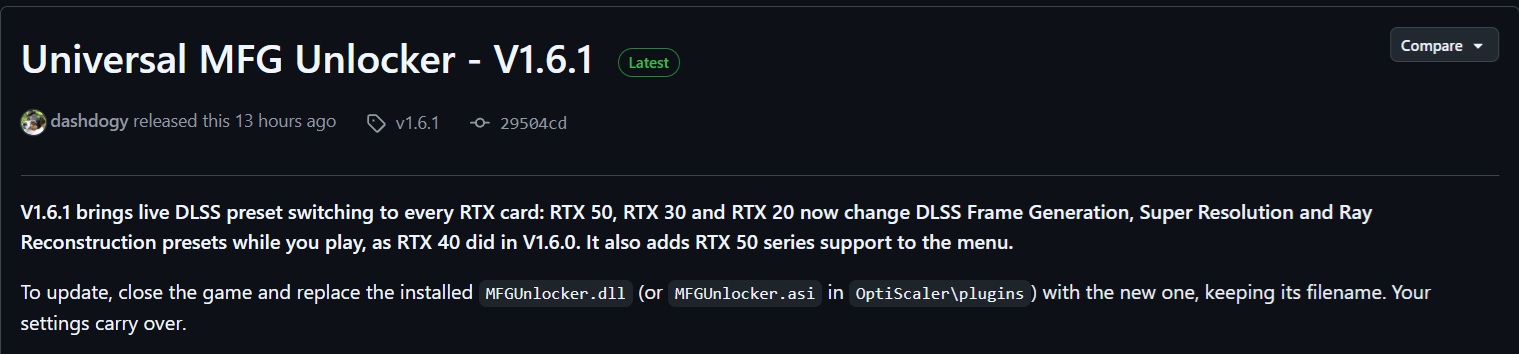
Since then, dashdogy's project has evolved into the more comprehensive Universal MFG Unlocker, with version 1.5.0 introducing NVIDIA's faster DLSS Frame Generation Preset C alongside Intel XeSS Multi Frame Generation support through OptiScaler. Now, version 1.6.1 takes things a step further by making DLSS model experimentation considerably more convenient.
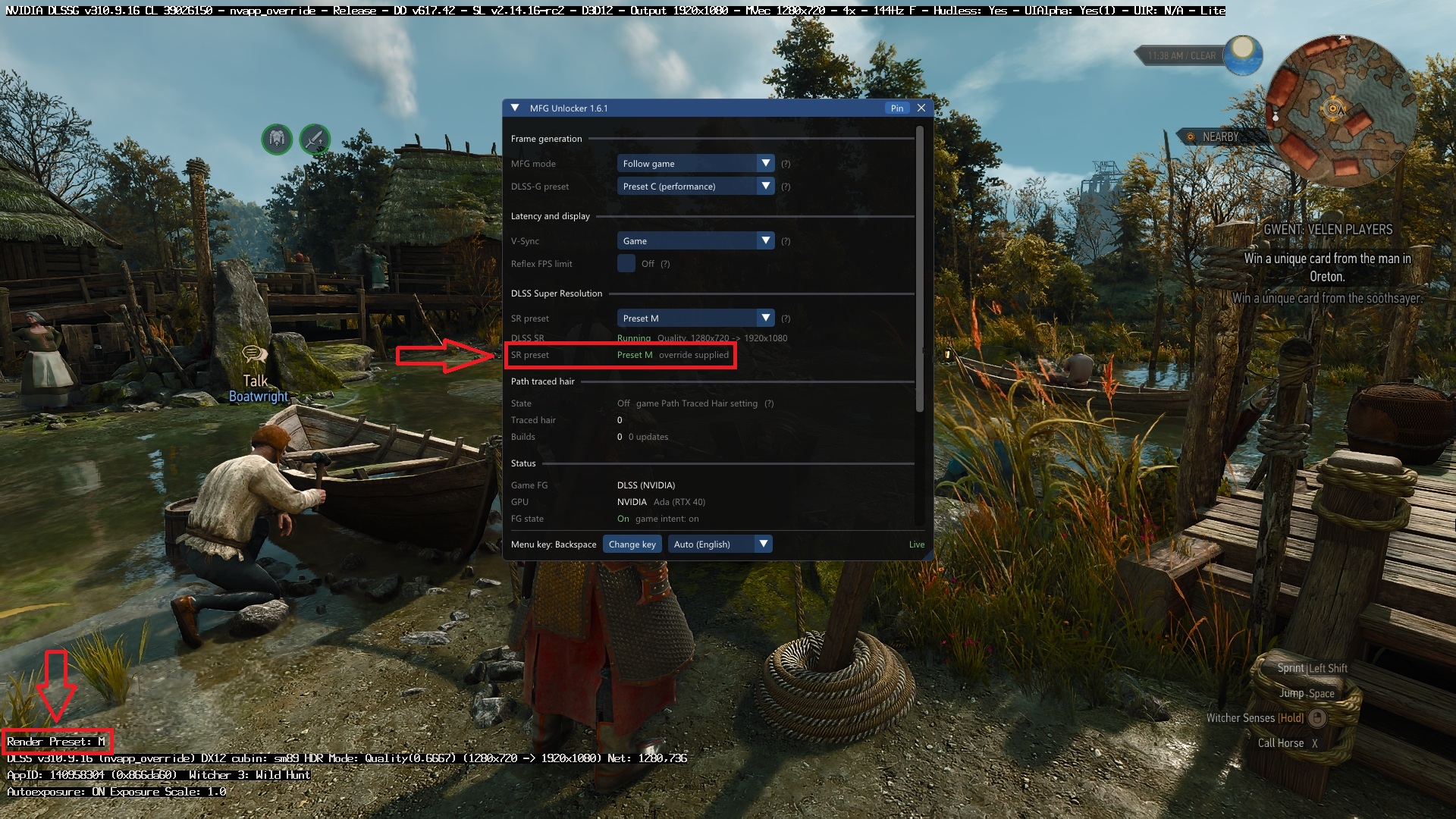
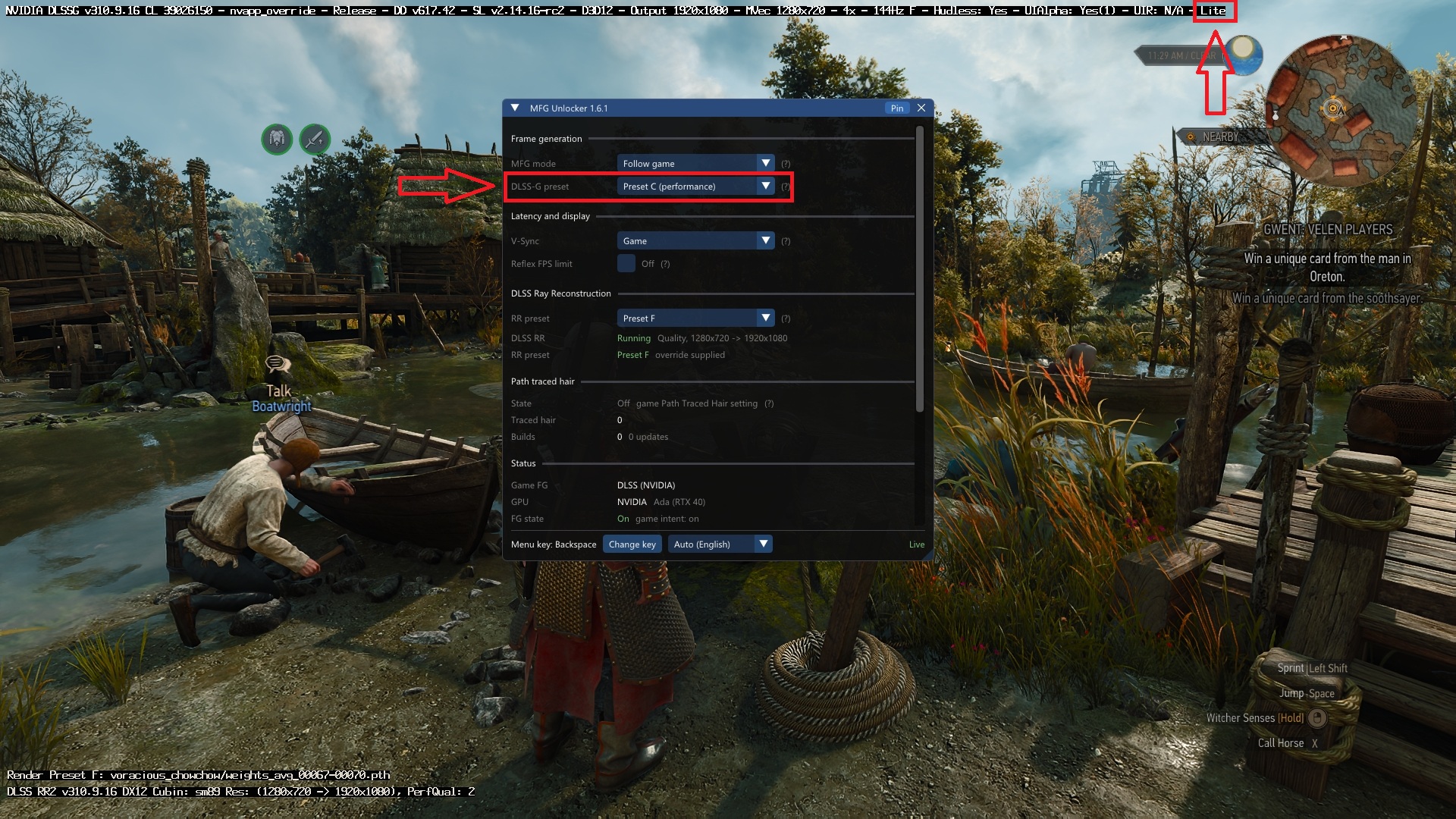
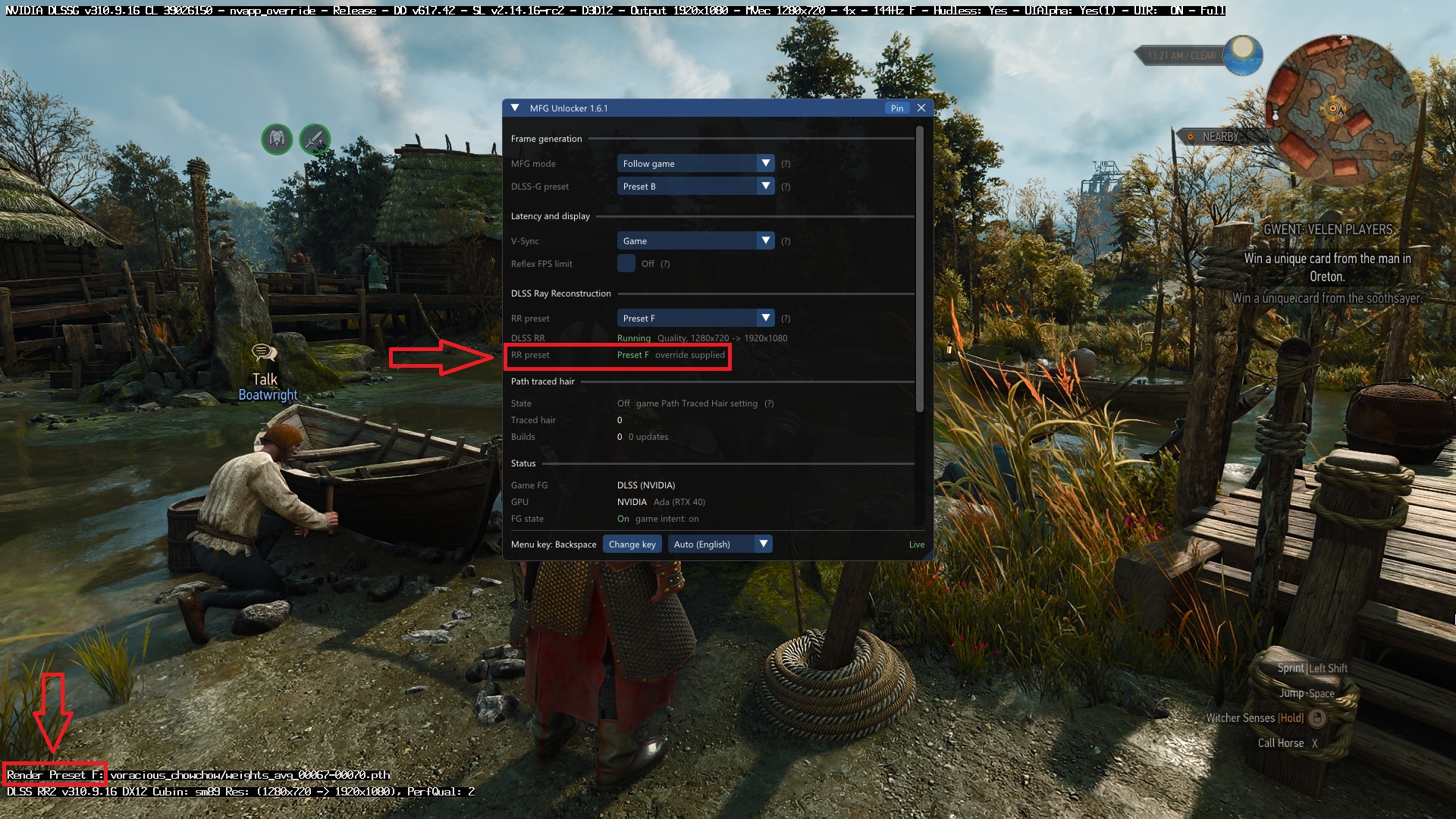
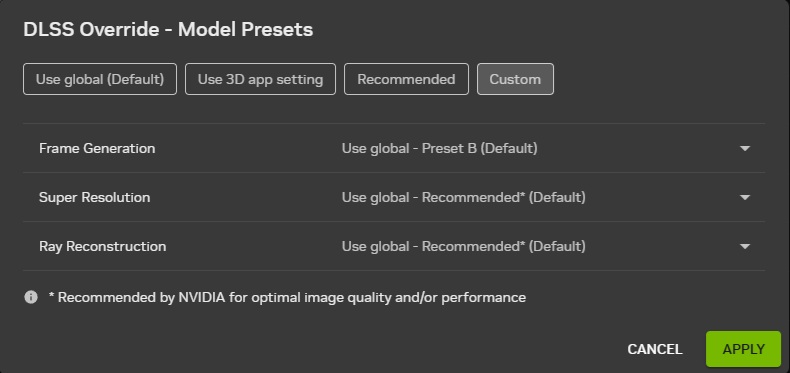
Specifically, the utility allows users to switch between DLSS Super Resolution Presets J, K, L, and M, Ray Reconstruction Presets D, E, and F, and Frame Generation Presets A, B, and C directly through an in-game menu. These changes take effect immediately in supported DirectX 12 games without requiring a full restart, although switching Frame Generation presets restarts Frame Generation itself briefly. The functionality debuted on RTX 40 GPUs with version 1.6.0 and has now been extended to the RTX 20, 30, and 50 Series.
We also conducted some hands-on testing on a laptop equipped with an RTX 4060 Laptop GPU, confirming that the tool works as advertised:
2 of 9
This is an incredibly useful addition, particularly for the technology press, content creators, hardware reviewers, and enthusiasts who regularly evaluate NVIDIA's various DLSS models. Previously, comparing different presets typically involved modifying overrides through the NVIDIA App, restarting the game, and attempting to reproduce identical gameplay sequences. Real-time switching eliminates much of that inconvenience, making direct visual comparisons and performance testing significantly easier.
For instance, users can quickly examine the image quality, temporal stability, ghosting, and performance differences between the first-generation Transformer-based Preset K and the newer Presets L and M introduced with DLSS 4.5. Likewise, evaluating the different Ray Reconstruction and Frame Generation models becomes considerably more straightforward.
Considering how frequently NVIDIA updates its DLSS technologies, we sincerely hope the company eventually incorporates comparable real-time preset switching functionality directly into the NVIDIA App. Although the application already offers extensive DLSS overrides, a proper in-game interface with instant model switching would represent a welcome quality-of-life improvement for reviewers and enthusiasts alike.

Beyond preset switching, version 1.6.1 introduces expanded RTX 50 Series support, including MFG controls, Dynamic MFG settings, a Reflex FPS limiter, and FPS monitoring. It also fixes an issue preventing Frame Generation from being enabled on certain RTX 20 and 30 Series configurations and improves XeSS Multi Frame Generation compatibility.
The mod remains experimental, particularly on older RTX generations, and live preset switching is currently limited to supported DirectX 12 implementations. Vulkan titles and certain older Frame Generation versions still require a game restart.
Interested users can download Universal MFG Unlocker 1.6.1 from GitHub. Its built-in menu can be accessed using the Backspace key without requiring additional interface software.
News Source: Universal MFG Unlocker GitHub repo

About the author: Sebastian Castellanos is a data scientist by education and training. He's also deeply passionate about PC gaming hardware and software. He has recently started writing technical articles and guides on Wccftech about PC hardware, games and mods.
Follow Wccftech on Google to get more of our news coverage in your feeds.
来源:Wccftech · wccftech.com